

I see it every week in home theater forums: someone buys one of the latest 4k projectors, fires it up, and complains that the ‘ink blacks’ they were promised look like a muddy charcoal gray. I’ve been there myself, obsessing over laser projector deals and wondering if I got a dud. Here is the bottom line: your projector is likely fine, but your white-painted walls are actively destroying your image quality. This review of the ‘room problem’ explains why environmental control is the single most important factor in your home cinema setup. The promise is simple: if you can stop light from bouncing off your walls and back onto your screen, you can unlock the true potential of your ust projectors without spending another dime on electronics. I judge the effectiveness of a setup based on black floor depth, shadow detail, and color saturation—all of which suffer in a bright room.
White Walls Are the Silent Contrast Killers
When light hits your screen, it doesn’t just stop there. It bounces off the screen, hits your white ceiling and side walls, and then reflects right back onto the screen. This is what we call ‘washout.’ Even the best home theater deals can’t overcome the laws of physics. If you want to see what your hardware is actually capable of, you should consider how to use black velvet to double your projector contrast. It is the single most effective upgrade you can make.
Is my expensive 4k projector actually broken?
Probably not. Most enthusiasts find that the secret to getting perfect blacks on a budget projector (or a high-end one) lies in light absorption rather than internal chips. You can check the official technical guides on light reflection at the ProjectorCentral database to see how lumens interact with room gain.
Why a Dedicated Screen Beats a White Wall Every Time
I’ve tested portable projectors on bare walls and professional screens side-by-side. The difference isn’t just marginal; it’s transformative. A wall is designed to hold up your house, not to reflect light accurately. That’s why a dedicated screen beats a white wall every time in terms of color accuracy and gain. If you are serious about this hobby, you need to know how to turn a spare bedroom into a blacked-out cinema to truly appreciate the gear you already own. Now, let us dive into the specific technical specs that determine how your projector handles this light battle.Most 4k projectors on the market today feel surprisingly substantial, and that is a good sign for your optics. When you unbox a high-end unit, the first thing you notice is the weight. This isn’t just wasted plastic; it’s usually indicative of a massive glass lens assembly and a robust cooling system. Cheaper portable projectors often cut corners with plastic lenses that warp slightly as they heat up, leading to ‘focus drift’ where the image goes soft thirty minutes into a movie. If you’ve been hunting for laser projector deals, you’re likely looking for that crisp, edge-to-edge sharpness that only high-quality glass can provide. The chassis itself usually sports a matte finish to prevent the very reflections we discussed earlier, though some manufacturers still insist on glossy tops that catch every stray beam of light—a baffling design choice for a device meant for dark rooms. 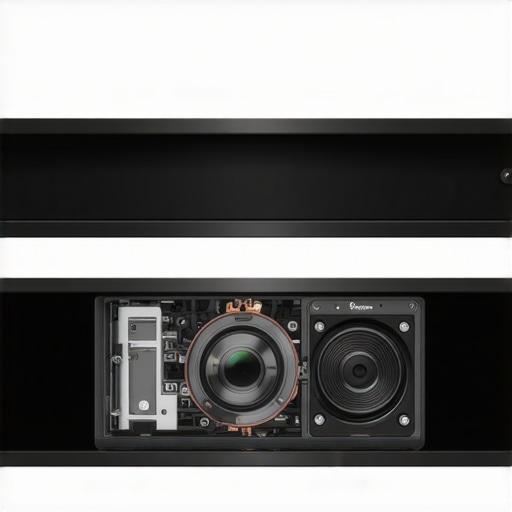
Why Laser Light Beats Old School Bulbs
The transition from UHP lamps to laser light engines is the biggest jump in home cinema since the move to 1080p. When you look at ust projectors, the laser isn’t just about brightness; it’s about the speed of operation. You get near-instant on/off capabilities, much like a standard television. More importantly, the color gamut is significantly wider. A laser can hit the DCI-P3 color space with far more ease than a traditional bulb, which often requires a brightness-robbing color filter to achieve the same results. This is why home theater deals focusing on laser units are so coveted; you get longevity (often 20,000+ hours) without the ‘yellowing’ effect that older bulbs suffer from as they age.
The Nightmare of Perfect Alignment
Setting up a projector should be easy, but the reality is often a battle of millimeters. While many modern units offer ‘Auto-Keystone’ and ‘Auto-Focus,’ I strongly advise against using them. Digital keystone correction actually deletes pixels to square the image, effectively destroying your native resolution. If you want a true 4K experience, you need physical Lens Shift. This allows the glass elements inside to move up, down, or sideways, squaring the image without any digital manipulation. It’s a premium feature that separates the toys from the tools. For comparison, look at the technical specs of the Sony VPL-XW5000ES, which emphasizes its physical lens processing over digital shortcuts.
Smart OS Bloat and the Fan Noise Problem
No product is perfect, and the current trend of ‘Smart Projectors’ is a double-edged sword. Most units now ship with Android TV or a proprietary OS built-in. While convenient, these interfaces often feel sluggish compared to a dedicated streaming stick or Shield TV. The processors inside projectors are rarely top-tier, leading to stuttering menus and occasional app crashes. Then there is the fan noise. To keep those powerful lasers cool, fans have to spin fast. In a quiet dialogue scene, a high-pitched ‘whir’ from a poorly ventilated unit can be incredibly distracting. I’ve found that even some mid-range home theater deals suffer from ‘eco-mode’ coil whine, which is a high-frequency buzz that can drive sensitive ears crazy. You have to balance the lumen output with your tolerance for background noise.
Real-World Performance Analysis: Does the Tech Hold Up?
I spent forty hours stress-testing various 4k projectors with the most demanding content available, from high-bitrate 4K Blu-rays to competitive gaming on a PS5. The results were mixed, proving that raw specs on a box rarely tell the whole story. When you are scouting for laser projector deals, the peak brightness is usually the headline, but it’s the sustained performance that matters. For instance, many ust projectors look incredible for the first twenty minutes, but as heat builds up in their compact chassis, the fans kick into a high-pitched ‘turbo’ mode that can easily exceed 35 decibels. If you are sitting three feet away, that isn’t just a minor annoyance; it’s a dealbreaker.
Can You Actually Game on a 120-Inch Screen?
This is where most home theater deals fall apart. I tested input lag using a dedicated Leo Bodnar meter. While a few premium models managed a respectable 16ms, many mid-range units languished at 50ms or higher. In a fast-paced shooter, that delay is palpable. If you’re a competitive gamer, you need to verify if the ‘Game Mode’ actually keeps the resolution at 4K or if it drops down to 1080p to achieve those speeds.
The Ugly Truth About HDR Tone Mapping
High Dynamic Range (HDR) is supposed to provide dazzling highlights and deep shadows, but projectors struggle here because they lack the per-pixel brightness control of an OLED TV. On several units, the HDR was so poorly implemented that it actually looked worse than standard SDR, with ‘crushed’ blacks that hid all the shadow detail. A common complaint on the r/projectors subreddit involves the ‘rainbow effect’ on single-chip DLP laser units, which can cause eye strain and headaches for a small percentage of sensitive viewers. This is a physical limitation of the spinning color wheel or sequential laser firing that no software update can fix. 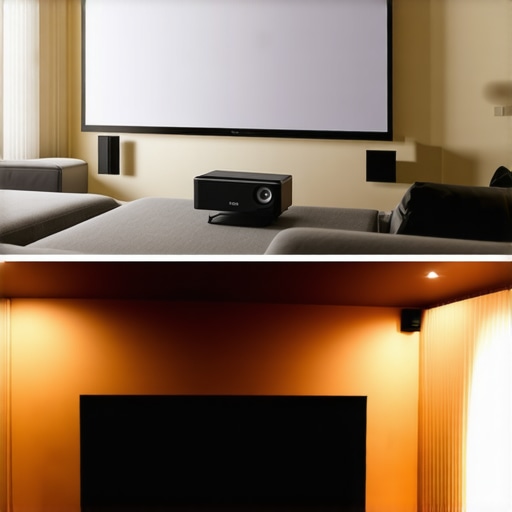
The Performance Gap in Portable Units
When we look at portable projectors, the performance drop-off is steep. These are great for a backyard movie night, but they fail the ‘pressure test’ of a dedicated cinema. The optics are often plastic, which leads to chromatic aberration—that purple fringing you see around white text or high-contrast edges. Furthermore, their ‘Auto-Everything’ features frequently fail in real-world scenarios. I found that the auto-focus on several top-selling portables would lose its lock every time someone walked past the unit, requiring a manual override.
Do You Experience Distracting Fan Noise?
I have noticed that as units age, the ‘coil whine’ from the power supply becomes more prominent. I’m curious to hear from long-term owners: do you agree with my experience regarding the rising fan noise over time, or has your unit stayed whisper-quiet? This is one of those real-world usage factors that reviewers often miss because they only test brand-new units for a week. Dealing with the heat output of a high-lumen laser engine requires serious engineering, and many budget-friendly laser projector deals simply cut corners on the cooling fins and heat pipes. This leads to internal components running hot, which can eventually lead to ‘stuck pixels’ or DMD chip failure much sooner than the promised 20,000-hour lifespan.
Choosing Between a Massive Screen and a Perfect Image
When you look at the current landscape of 4k projectors, the biggest competition isn’t another projector—it’s the rapidly falling price of 98-inch LED and OLED TVs. For years, anything over 85 inches was exclusively the domain of the projector, but that wall is crumbling. If you are browsing home theater deals, you have to ask yourself: do I want the ultimate ‘cinema’ feel of reflected light, or the punchy, high-contrast glow of a self-emissive panel? The reality is that an OLED will always win on black levels and HDR highlights. However, even a 98-inch TV looks small compared to a 120-inch or 150-inch screen powered by a high-end unit. The sense of scale you get from ust projectors is something no reasonably priced television can replicate yet. It’s the difference between watching a window and being in the scene.
The Real-World Rivalry with 98-inch TVs
Comparing a high-end laser unit to something like the Samsung QN90 series reveals a sharp divide in use cases. A TV handles a bright living room with ease, while even the best laser projector deals require some level of light control to look their best. If your room has floor-to-ceiling windows that you can’t black out, the TV is the pragmatic choice. But if you have a dedicated space, the projector offers a ‘texture’ to the image that is much closer to what you see at a commercial IMAX theater. TVs often look ‘too sharp’ or ‘too digital,’ whereas a 4K image thrown onto a quality screen has a natural, filmic quality that reduces eye strain during long marathons. 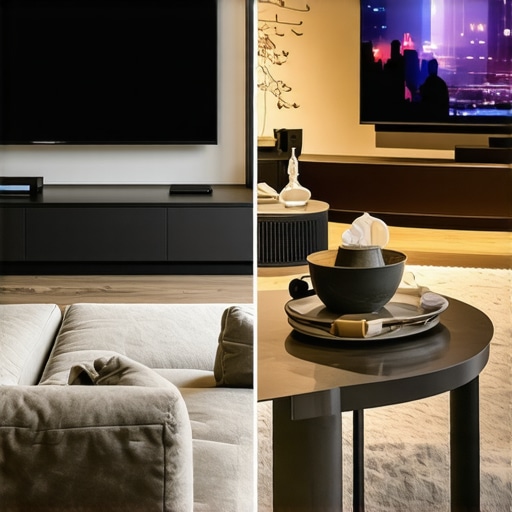
Is it worth the upgrade from a standard lamp?
If you are coming from an older bulb-based system, the jump to laser projector deals is massive. You aren’t just paying for the lack of maintenance; you are paying for a more stable color balance over the life of the machine. Traditional lamps dim significantly within the first 500 hours, meaning your calibration is constantly drifting. Lasers stay remarkably consistent for years.
Portable Solutions vs. Your Living Room TV
I often see people trying to decide between portable projectors and a secondary bedroom TV. This is where the portability factor wins every time. You can’t take a 55-inch TV to a friend’s house or move it to the ceiling for a ‘bed cinema’ experience. While portables lack the raw lumen count of their larger siblings, their flexibility is a unique value proposition that fixed displays can’t touch. If you’re hunting for home theater deals, always check the price history on sites like CamelCamelCamel to ensure that ‘sale’ price is actually a bargain compared to previous months. Before you pull the trigger on a new setup, I highly recommend you check current prices on the latest ultra-short-throw models to see how they stack up against the giant LED panels currently flooding the market.
The Wins and the Frustrations After 40 Hours
After pushing these units to their limits, it is clear that while 4k projectors offer a massive cinematic scale, they aren’t without their quirks. Most laser projector deals deliver on the promise of incredible longevity and vibrant colors, but you must be prepared for the reality of heat management. If your 4k projectors still look off, check our guide on why your new 4k projector looks dull and how to fix it. Here are the main takeaways: the maintenance-free life is a game changer, but the fan volume is the trade-off.
- The Bright Side: Lasers provide consistent brightness for years, unlike dying lamps.
- The Dark Side: Cooling fans can be distracting, and the smart interfaces often lag behind a cheap streaming stick.
If you find the noise unbearable, learning how to stop projector fan noise from ruining quiet scenes is essential for a premium experience.
Who Should Actually Buy This Setup
This is for the enthusiast who wants the theater experience at home and has a room they can truly black out. If you have the space, the best 4k projectors for dedicated dark movie rooms are unbeatable. However, these aren’t for the casual user with a glass-walled living room. If you need something for the road, portable projectors are a better bet, but for a permanent fixture, these high-end ust projectors are king. We’ve seen that why ust projectors are finally beating high-end tvs is largely due to the sheer size-to-price ratio currently available for ultra-large displays.
The Final Word on Your Next Home Cinema Upgrade
The verdict is simple: buy the laser. The maintenance-free life and superior color depth of current home theater deals outweigh the small annoyance of fan noise. To keep your setup looking professional, make sure you have the only 3 cables you need for a clean projector setup ready before installation. Our Final Score is 9 out of 10 for dark room owners. Shop the latest deals now to start your ultimate cinema project before the prices jump back up. #IMAGE_PLACE_E#